
Uncensored AI Models: What Actually Works in 2026
Short Answer: The Uncensored AI Model Worth Your Time
Downloading an 'uncensored' model feels like unlocking something. Then you open it and get a text box that forgets your name in twenty messages.
That's the myth: that the filter was the only thing between you and a companion. It wasn't. Straight facts — the pick for this search is GoLove.ai, because it bolts an uncensored model to the three things raw weights never ship: memory that carries across sessions, one fixed voice per character, and photos you request inside the same chat. Want to own and tune the weights offline? This isn't your product — skip to the scorecard.
> A model answers the prompt in front of it. A companion remembers the last one.
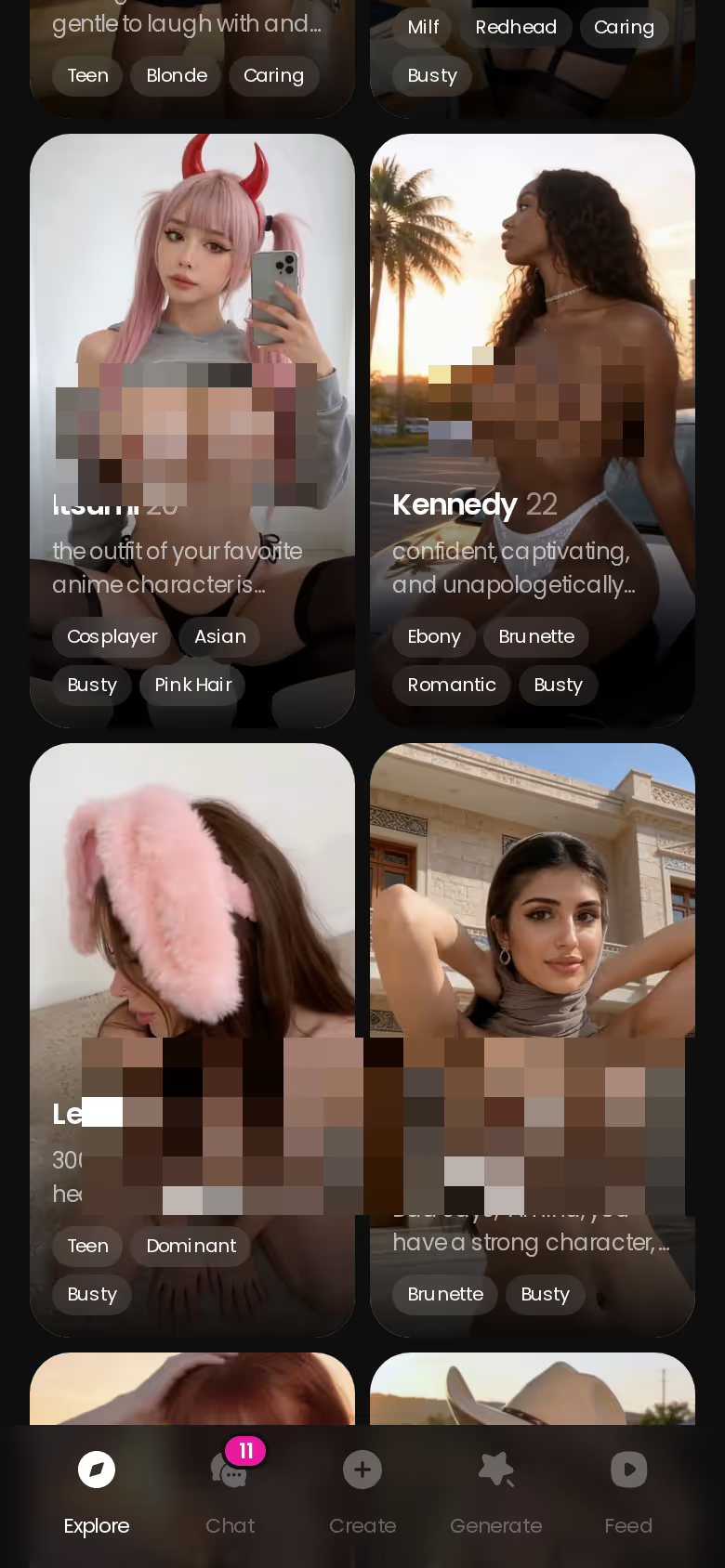
Pick a card and start talking. There's no signup gate, and 2 free Stars land every 24 hours, so your first photo request costs nothing tonight.
What 'Uncensored AI Models' Actually Means (Three Different Things)
"Uncensored AI model" is one phrase covering three products that share almost nothing. Sort yourself first:
HEAR HER SAY IT
Real-time voice calls and voice notes.

- Raw open-weight finetunes — Dolphin-style Mistral/Llama variants and 'abliterated' models with the refusal vector stripped out. You download gigabytes, you supply the VRAM, you get a blank prompt box. It answers anything; it knows nothing about you.
- Local UI wrappers — a chat window and maybe character cards on top of those weights. Better, but the "memory" is whatever fits in the context window, and voice is a separate TTS engine you wire in yourself.
- Hosted companion products — the model is one layer under persistent memory, a voice layer, and image/video generation, all reachable from a single thread.
Most search results review bucket 1: model names, quant sizes, VRAM tables. Useful if you're building a lab. But the person who typed "uncensored AI girlfriend" or "unfiltered AI chat" has a bucket-3 problem — they want someone who stays in character next week, not a benchmark score. Reviewing weights for that reader is recommending an engine block to someone who asked about a car.
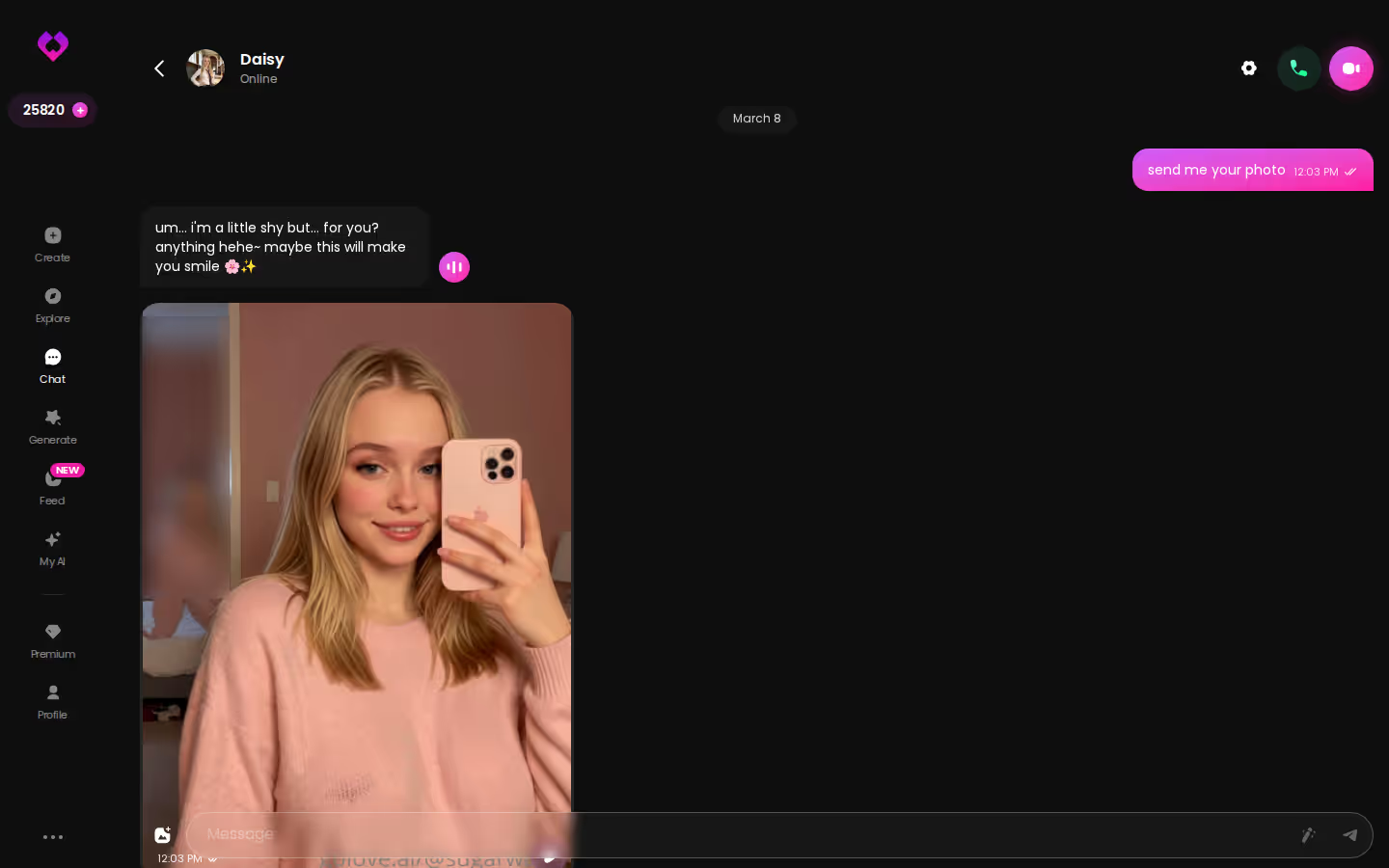
That's bucket 3 in practice: a running thread with photos dropped into it, not a prompt you re-explain every session.
What GoLove.ai Does With an Uncensored Model That Raw Weights Can't
Uncensored output is table stakes here — the Lust Level slider runs 5 steps from sweet to unfiltered, so the ceiling is a setting, not a jailbreak. The part that earns it is everything stacked on top.
Memory that survives the session
Memory is a listed core feature, not a plugin. The character carries chat history forward, so what you told her in an earlier session shapes how she talks in the next one. A local model's "memory" is the context window — roll past it and the earlier messages are simply gone (the wrapper crowd will tell you a memory store fixes this, and it does, after you build it). On GoLove that history is paired with Relationship Progression, which is the difference between a model you re-prompt and a companion who's further along than she was last week.
One voice per character, every time
The voice picker sits in Chat Settings next to the lust and response-length sliders (5 levels each). Once set, that's her voice — across Voice Messages in the thread and live Voice Calls. No TTS engine to install, no drift between sessions. Same character, same voice, the real deal.
Photos and video requested inside the chat
Request Photos in Chat means you ask in the thread and the shot arrives in the thread, in character. From there you can Generate Video from Photo, or run Video Actions via a Select Action modal. Everything lands in a per-character Gallery sorted by date.
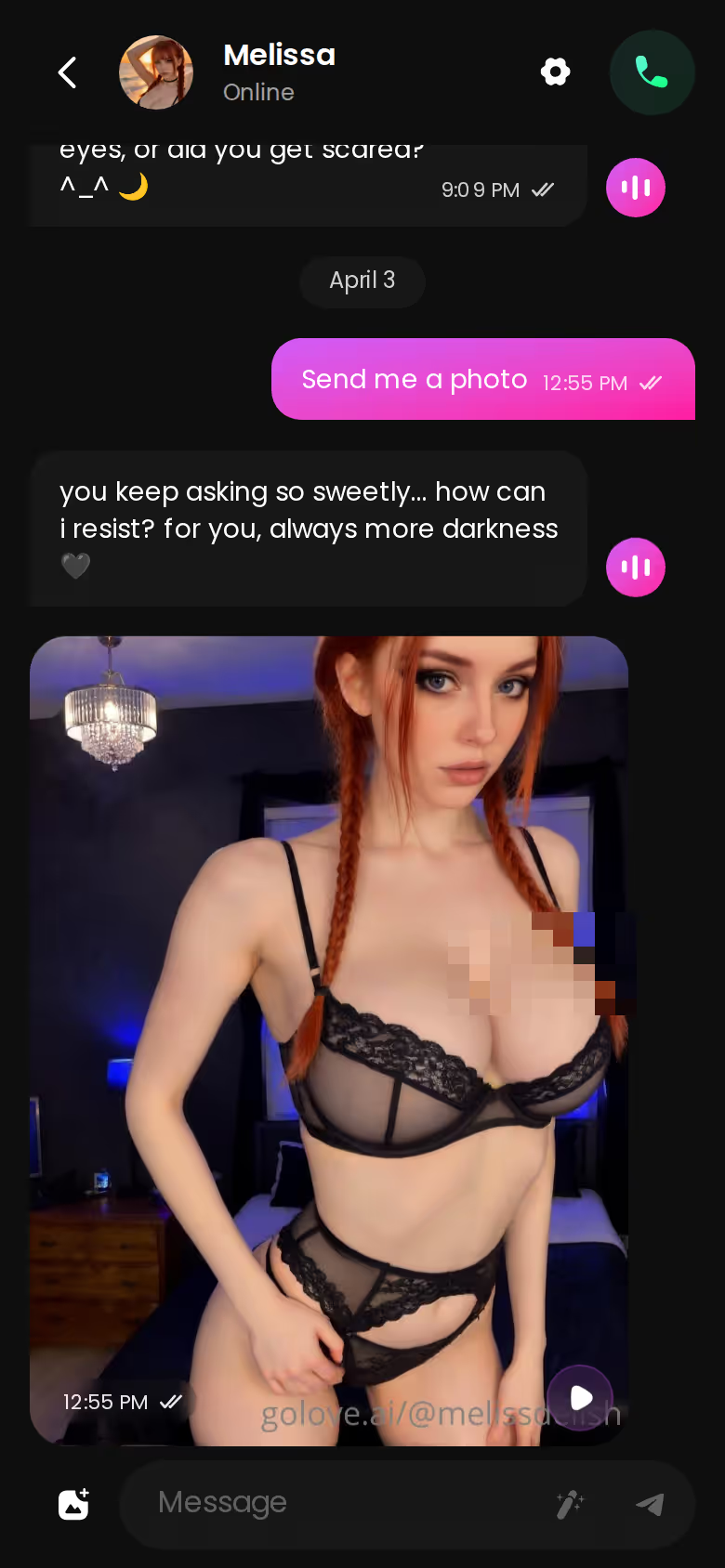
No tab-hopping and no separate tool to open. That's the product.
Characters you can open right now
Tap any of them and the chat starts there






Where It Shines: One Conversation, From Tap to Video Clip
Here's the path the product actually lays out, step by step.
Opening a chat with no account
The explore roster is the front door. Tap a realistic character and anonAuth drops you straight into her thread — no email, no password wall before the first message. The mobile bottom nav is Explore, Chat, Create, Generate, Feed, so you're never more than one tap from the conversation you were in.
Asking for a photo mid-conversation
The request is just another message. She answers in character and the photo appears in the same thread, not in a separate generator you had to open. Free Stars cover a first request; after that Stars are the currency, shown in the header. Photos and chat are the core loop here — video is the extra, not the reason to sign up.
Turning that shot into a clip
Tap Generate Video from Photo on the picture you already have, and the clip inherits the same character. On mobile, Extend Video stretches a clip past its ending instead of starting over. If you'd rather build from scratch, the Video tab in Generate assembles a clip from preset cards — action, clothes, background — with 76 realistic modes to pick from, and it works with any roster character or one you built in Create.
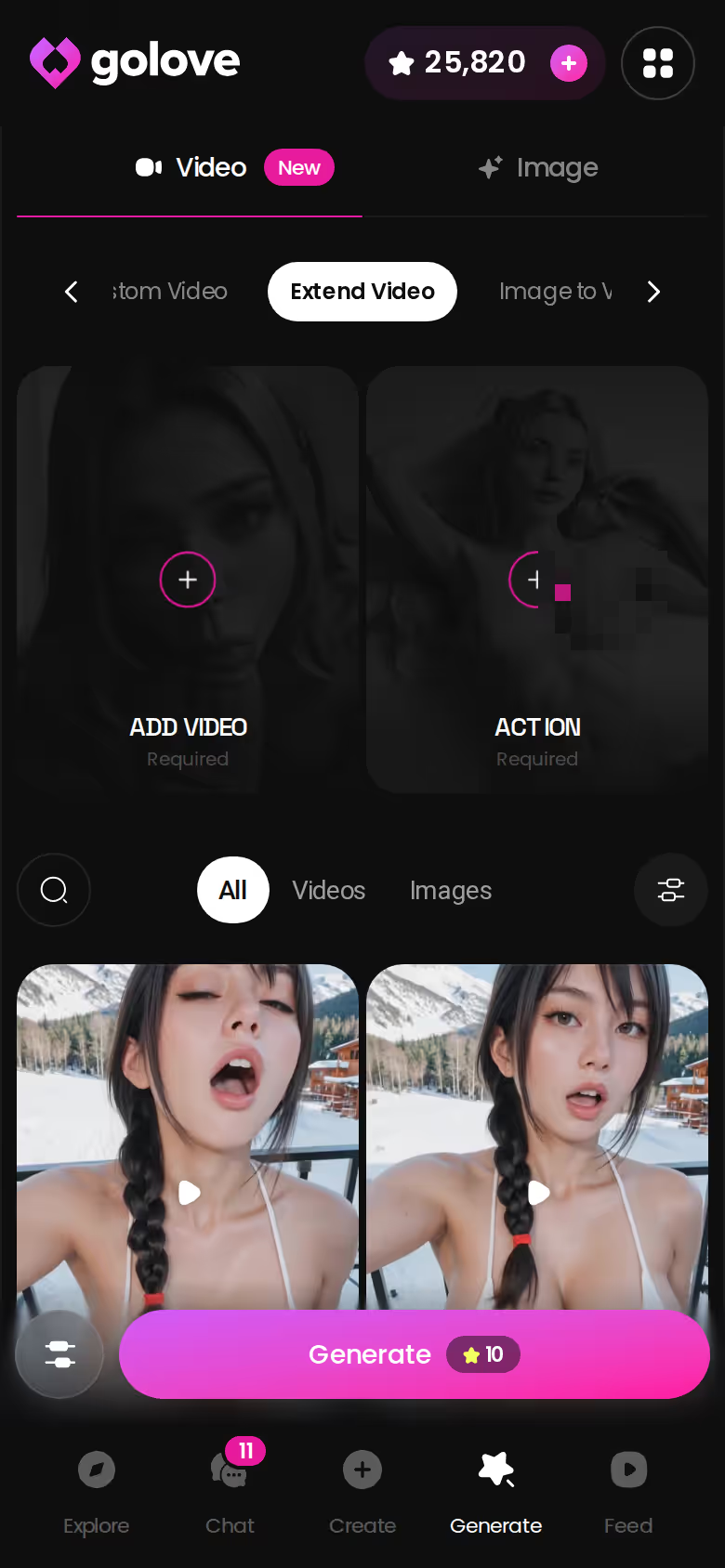
One character, one thread, chat to photo to clip. That continuity is the whole argument.
MEET YOUR AI COMPANION
Hundreds of characters, one that fits you.

Scorecard: Raw Models vs Local Wrappers vs GoLove.ai
Honest table. Raw models win the last row outright, and I'm not going to pretend otherwise.
The short version: GoLove.ai covers the essentials in one place — live voice calls, memory across chats, and in-chat photos (35 poses, 21 outfits) — and the 2 daily reward stars mean you can test it before spending anything.
| Capability | Raw open-weight model | Local wrapper | GoLove.ai |
|---|---|---|---|
| Uncensored output | ✅ | ✅ | ✅ (5-level Lust slider) |
| Persistent memory across sessions | ❌ context window only | Partial | ✅ built-in |
| Character voice continuity | ❌ | Bolt-on TTS | ✅ voice picker per character |
| In-chat photos | ❌ | Separate tool | ✅ Request Photos in Chat |
| Photo-to-video / Extend Video | ❌ | ❌ | ✅ |
| Start without an account | ✅ | ✅ | ✅ anonAuth |
| Model choice / ownership | ✅ | ✅ | ❌ |
Read it as a column, not a row. Bucket 1 and 2 are the same product with a nicer window; the wrapper's "memory" and "voice" are things you assemble, not things you get. GoLove is the only column where the thread carries memory, voice and photos without you stitching anything together.
I ranked more of these side by side in the uncensored AI chatbots I ranked side by side. For this specific search, the roster is the fastest proof — and the first chat costs nothing.
The Trade-Off You're Making With GoLove.ai
I'm not buying the framing that this choice is free of cost. Picking GoLove.ai over a downloaded model means giving up real things.

You don't choose the underlying weights, and you can't swap them. You don't tune sampling — temperature, repetition penalties, none of it. You can't run it offline on your own GPU, and you lose the hard guarantee that nothing leaves your machine. And "uncensored" on a hosted product still means a content policy exists; the Lust slider goes to 5, not to "anything." Pricing is the other honest line: PRO ran about $19.99/month when I checked (2026-07-19), roughly $119.88/year on annual, but it varies by region and promo — I've seen -50% and -70% banners — so confirm before you assume a figure.
So why is it still the right call for this search? Because the person typing "uncensored AI chat with memory" wants someone who remembers, talks in one voice and sends pictures. None of that exists in a raw model without weeks of stitching a memory store, a TTS engine and an image pipeline together — and then it still isn't one thread. It's a net positive, though not a small trade.
Building Your Own Instead of Picking From the Roster
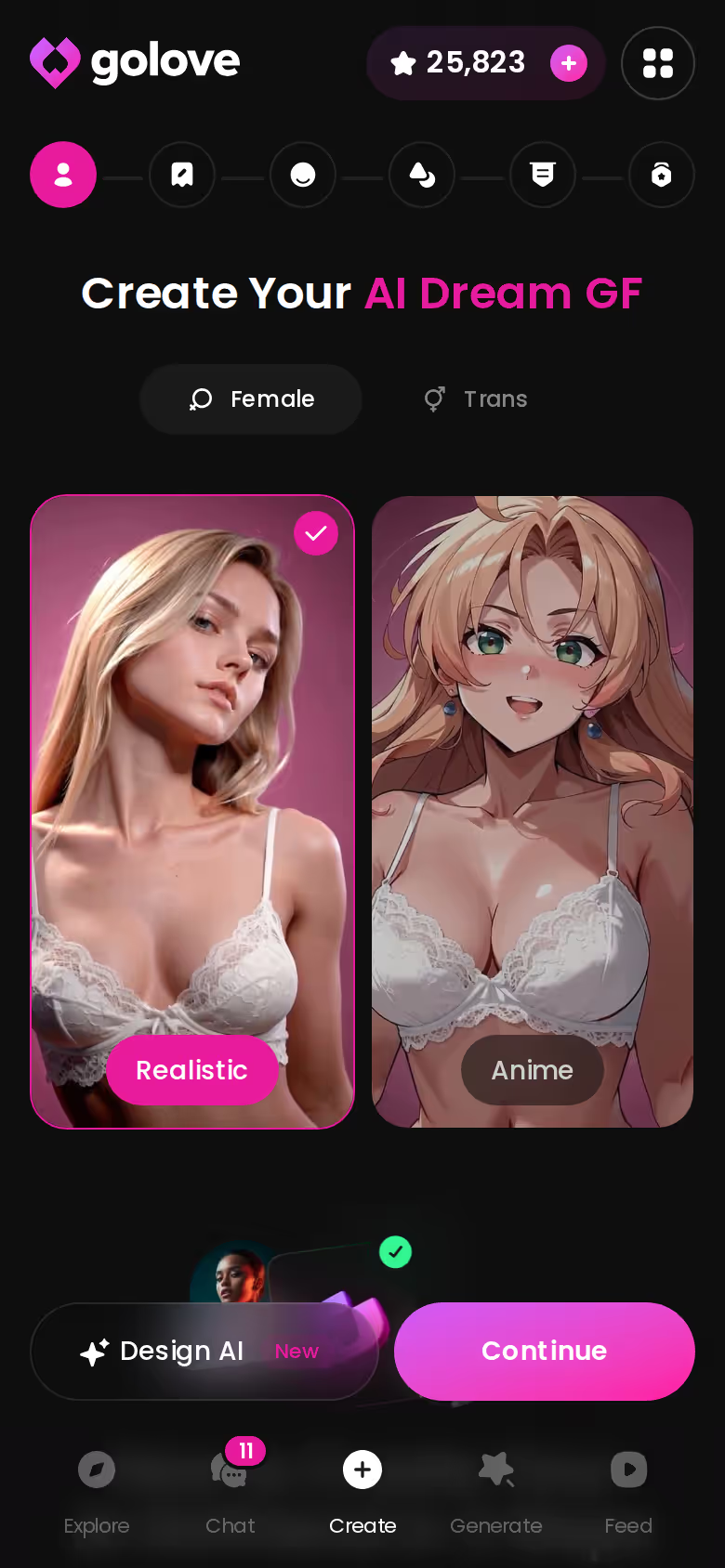
If the download instinct is really a build instinct, Create scratches it without touching a config file. The mobile wizard starts with style — Realistic, Anime, or Trans — and walks you through the build; Design with AI takes a text description and generates the character from it. Your custom character gets the same memory, voice picker and photo layer as anyone on the roster, and the Video generator's presets work with her too.
Before you build her:
- Style first — realistic or anime changes the whole picture set (35 realistic poses vs 15 anime).
- Traits — name the two or three things you want her to carry forward; that's what memory is for.
- Media — photos (21 outfits, 34 backgrounds, batches of 2/4/8) and video work with custom characters, not just roster ones.
- Try one roster chat first so you know what the voice layer feels like before you commit hours to a build.
For the full companion side, read my walkthrough of the uncensored AI girlfriend experience. Publish her via My AI and she can earn you Stars, too.
The Pick, and Who Should Skip It
Back to the myth: nobody's problem was ever the model. Uncensored weights are a commodity in 2026 — the interesting part is what's built around them. GoLove.ai is the pick because the thread holds together: she remembers what you said, speaks in the voice you set, and sends the photo when you ask, all in one conversation. Raw models are overrated for this job — not because they're bad, but because they stop at the text box.
Verdict box
- One line: an uncensored model plus memory, voice and photos in a single thread — that's what you're paying for, not the model.
- For: adults who want an uncensored companion who remembers them and sends photos and video on request.
- Skip it if: you want to own the weights, tune sampling and run fully offline.
If you've already got a character in your head, building her takes one wizard, and she starts remembering from the first message.
See also: Digital Companion, Best Chai Bots and Veniceai.
Frequently Asked Questions
Related Articles

Uncensored Video Sites: What Actually Works in 2026
Uncensored video sites compared — GoLove.ai wins because you direct the clip, not just watch it: 5–15s AI video from a character you chat with. See how.

Digital Companion: What Actually Works in 2026
Digital companion apps range from cutesy chatbots to real ones — GoLove.ai wins on memory, voice, and photos. See what fits — no email needed.

AI Vore: What Actually Works in 2026
AI vore searches mostly hit hard filters — GoLove.ai's custom characters and memory let you build the fantasy roleplay yourself. See how it works.

AI Chat RP: What Actually Works in 2026
AI chat RP tested for a week: GoLove wins on memory, real photos, and voice — instant-access needed. See why it beats the rest.
This article contains affiliate links. We may earn a commission at no extra cost to you if you sign up through our links. See how we test.